 Kimchi
Korea SIM · eSIM · KT postpaid — for foreigners Land in Korea,
already connected.
Data the minute you land. A real 010 number when you settle. KIMO walks you through the whole thing — in your language, no upsell.
 Seoul, tonight
 ← poke KIMO
What brings you to Korea?
Three situations, three different right answers. We'd rather you buy the right thing once.
Do you need a real number, or just data?
We'd rather you buy the right thing once. Here's the plain-English difference — no upsell.
📞 Real Korean number
- ✓ A real 010 number for calls & texts
- ✓ Verify banks, delivery & gov apps
- ✓ Keep it long-term as you settle in
- − A little more setup than a data eSIM
Best if you're living, working or studying in Korea.
You land on data first. The real 010 number is issued after your Residence Card (ARC) arrives and you switch to KT postpaid — for long-stay visa holders. Short visits: pick data-only.
📱 Data-only eSIM
- ✓ Fastest to set up — scan a QR & go
- ✓ Maps, KakaoTalk, WhatsApp all work
- ✓ No passport copy needed
- ✕ No Korean number — can't verify Korean apps
Best for a trip or short visit.
Still unsure? Ask KIMO in your language — we'll point you to the right one.
From touchdown to a real 010 number.
A Korean number unlocks banking, delivery apps and ID checks — but you can't get one the day you land. Here's the honest timeline, scene by scene.
Read the full guideOrder before you fly
Pick a long-stay plan from home. Your setup arrives by email — nothing to hunt for at the airport.
QR by emailLand on data
Scan, activate, connected — usually before you clear baggage claim. English instructions on standby.
Connected on arrivalYour Residence Card arrives
The ARC takes about 2–3 weeks after you land — often longer. You need the physical card for the next step.
~2–3 weeksSwitch to KT postpaid
Convert to a monthly KT plan with your ARC. Your real 010 number is issued then — banking, delivery, everything opens up.
Real 010 numberSize your Korea data eSIM in 10 seconds.
Two questions. No personal details. GB = gigabytes of data.
 KIMO’s honest math — no oversizing, ever.
Pick a size. That's it.
Data-only roaming eSIM — install before you fly, connected the moment you land. Refund any time before you install.
 Data from day one, your number once your ARC arrives
A teacher-friendly setup: data on arrival, your number after the ARC
Most teachers find us by searching for a Korea SIM that just works — data from the day you land, then a real number for banking and your school once your Residence Card (ARC) comes through. Set up in English before you start.
- A real 010 number for your school & bank, after your ARC and KT postpaid
- English setup help — chat before you arrive
- Move to KT postpaid once you're settled
Students, budget expats & teams
Same KT network, different priorities. Pick the lane that sounds like you.
Students
Land on data, then get your number for dorm, bank and campus apps once your Residence Card arrives. Start lean, scale data when you settle.
Student lane →Cost-conscious expats
Watching every won? Right-size your data with the sizer, then move to a budget KT postpaid plan once you settle in.
Right-size it →Teams & B2B
Onboarding a group of foreign hires or visiting staff? We'll set up multiple numbers and bill in one place.
Talk to us →One nationwide network, city to coast
Our SIM and postpaid plans run on KT's nationwide network, and the prepaid data eSIM roams on Korean networks — strong in the metros, the subway, and most of the countryside.

Heading off the beaten path? Ask KIMO about coverage where you're going — we'll be honest about it.
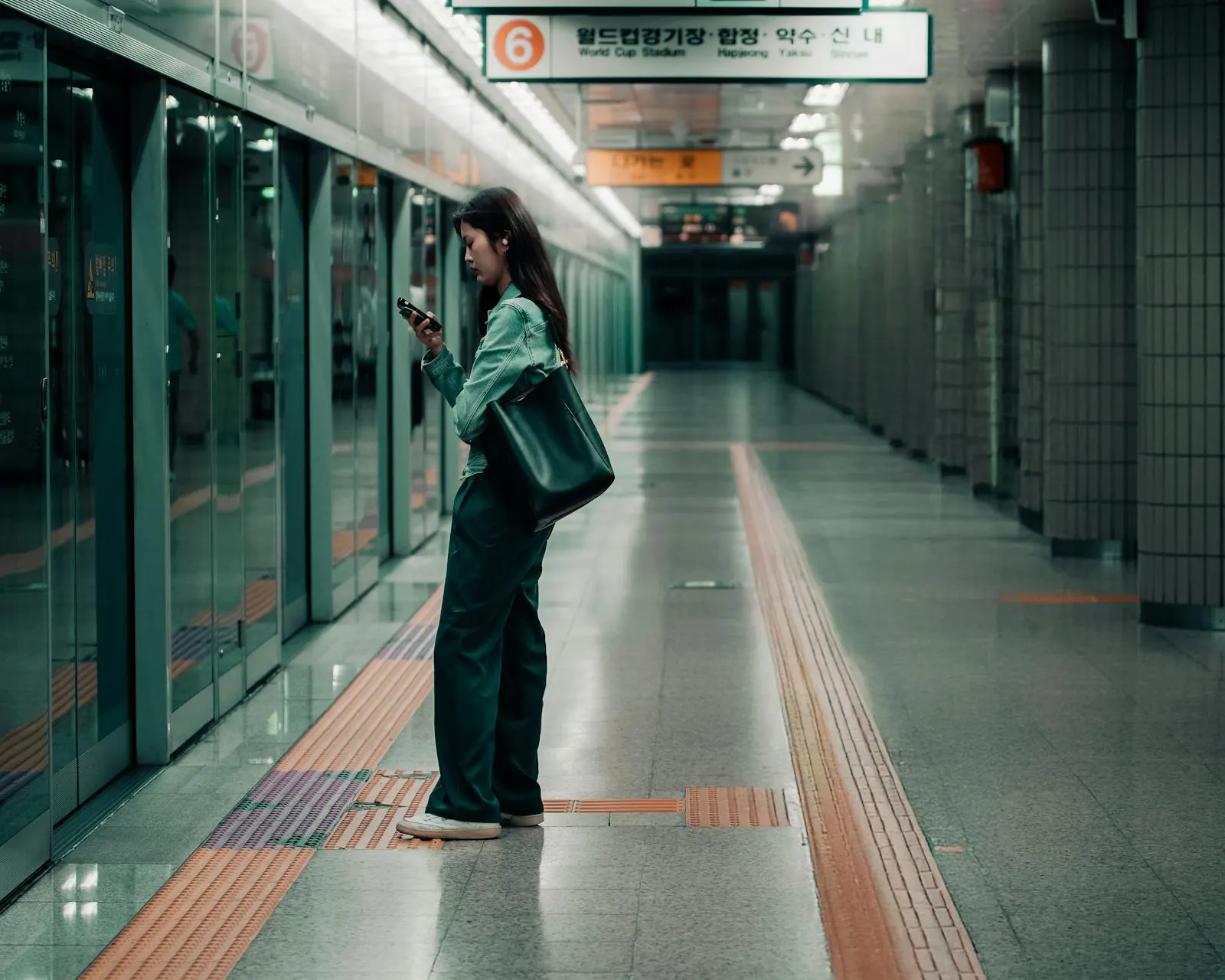 Nationwide coverage, city to coast
Three common ways people get connected
Whether you're here for a week or moving in, here's how setup usually goes.
Buy before you fly, then scan the QR we email you once you land — data is ready before you leave arrivals, so Maps and KakaoTalk work straight away.
Tourist data eSIMLand connected on data, then get your real Korean number once your Residence Card (ARC) arrives and you switch to KT postpaid — with English setup help if you get stuck.
Welcome SIM & Starter SIMLand on data while your Residence Card (ARC) processes, then switch to KT postpaid for your 010 number, so your school paperwork and bank account go through.
Teacher-ready plansWill it work on your phone?

The short answer comes first.
More questions? Read the full FAQ or ask KIMO.
Do I need a Korean number, or is a data-only eSIM enough?+
Will Kimchi Mobile work on my phone in Korea?+
When do I activate my Korea eSIM — before or after I land?+
What languages does Kimchi Mobile support?+
How do I pay, and is checkout secure?+
 Still stuck? Ask KIMO in any language or email [email protected].
Let's get you connected.
Tourist eSIM, a real Korean number, or KT postpaid — KIMO will land you on the right one in minutes, in any language.
Start with two questions